Advanced MCP Tooling for macOS™
Powerful plugin management, scripting environment, and MCP server for modern AI based development workflows
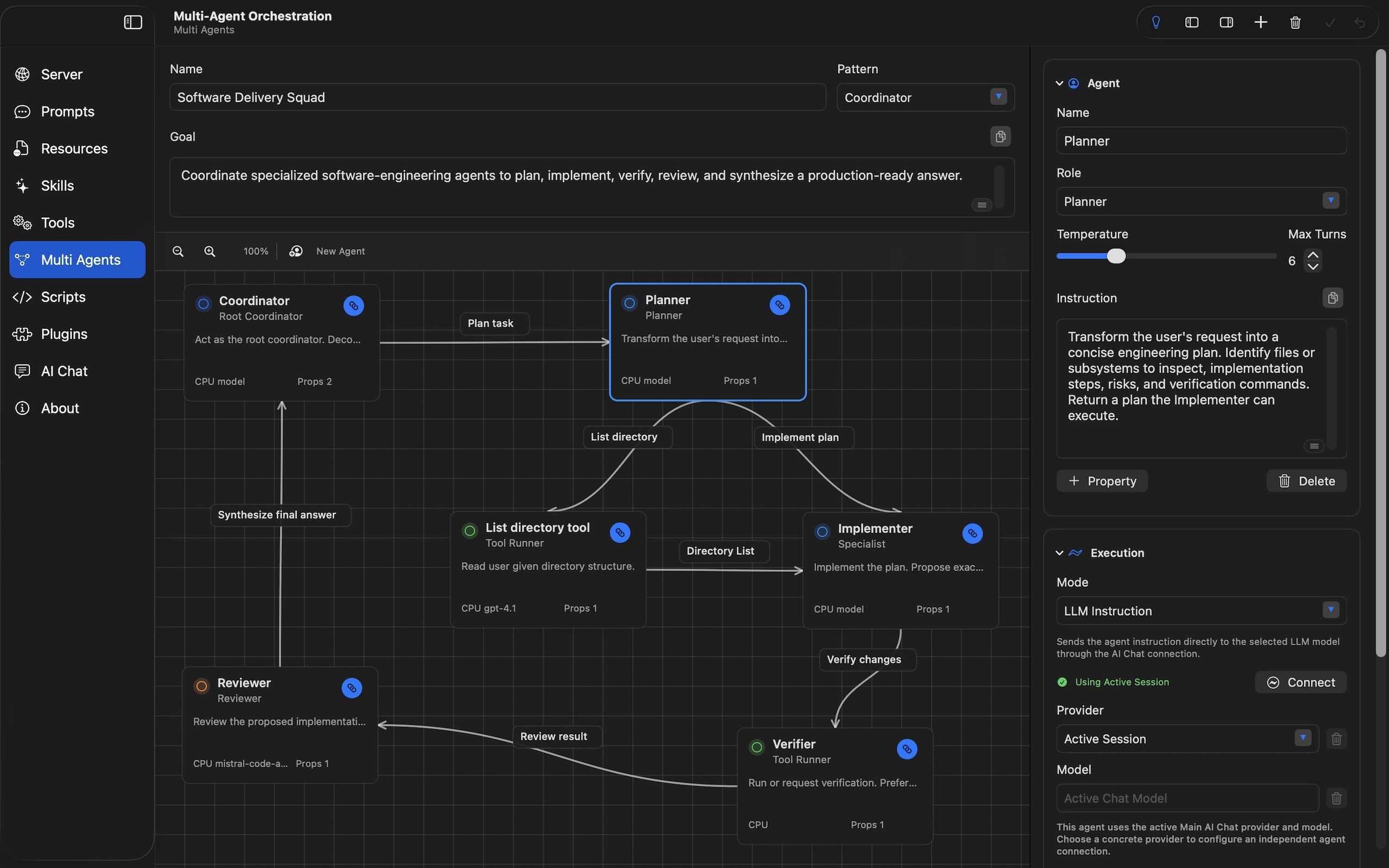
Powerful plugin management, scripting environment, and MCP server for modern AI based development workflows
Everything you need to manage your MCP tools efficiently
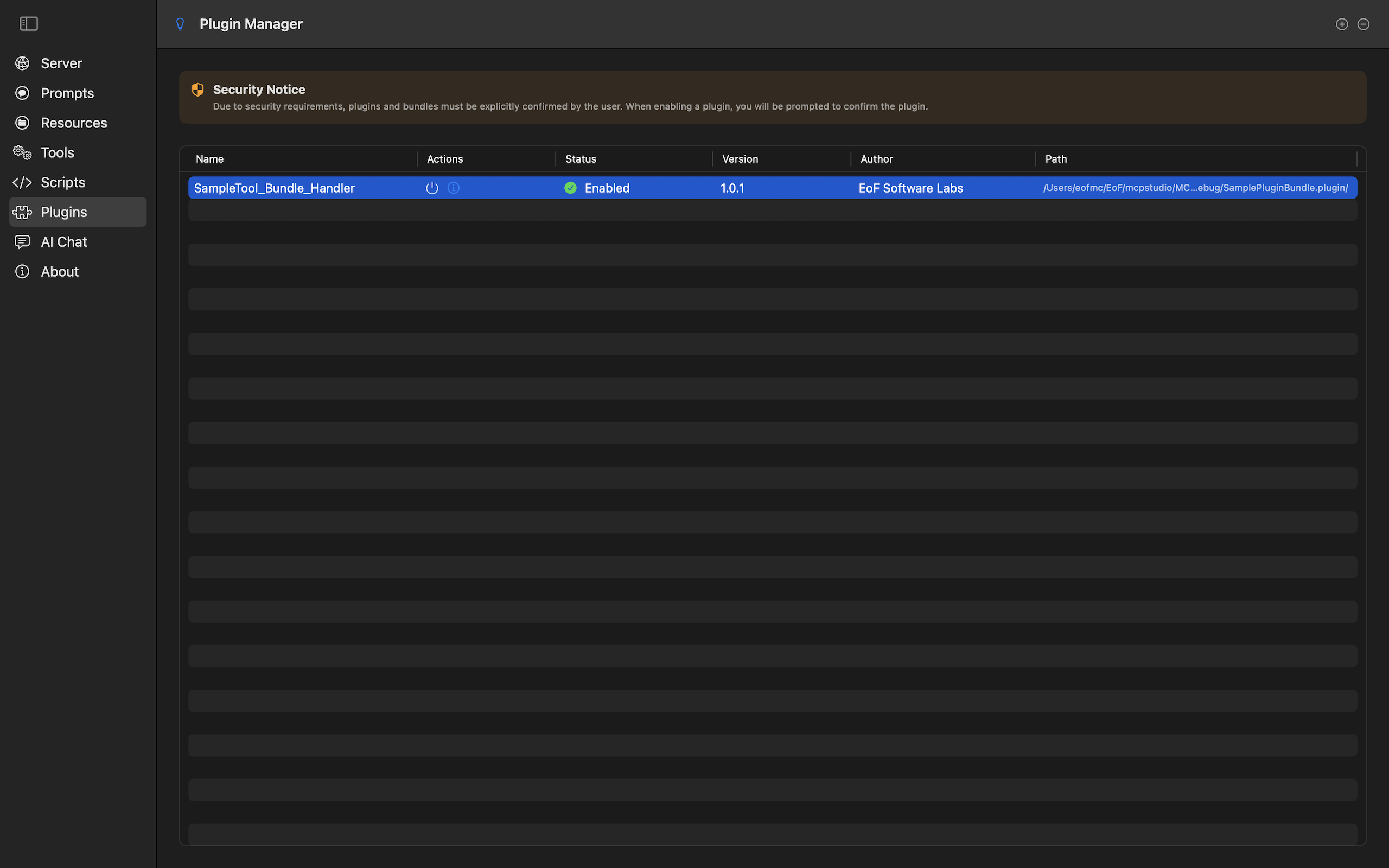
Manage your native plugin
libraries or bundles
Integrated development environment for creating custom tool scripts
MCP server configuration with live monitoring capabilities
Design, execute, and inspect reusable multi-agent flows from AI Chat
Comprehensive resource configuration
including related documents and context tags
Create and manage custom tools with flexible input/output schemas
Advanced file access and security controls for local environments
Explore the intuitive interface and powerful features
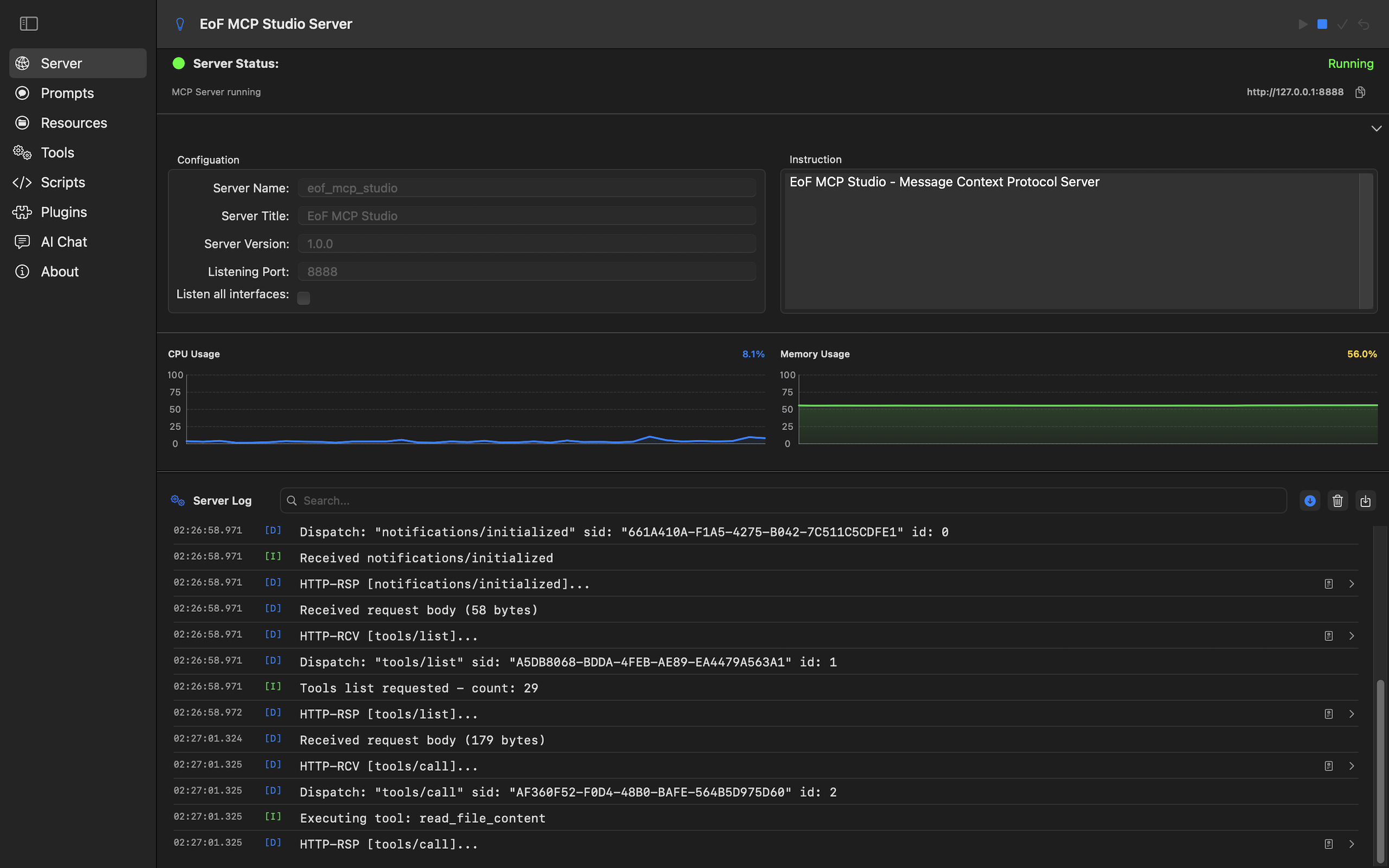
Server setup and activity monitoring
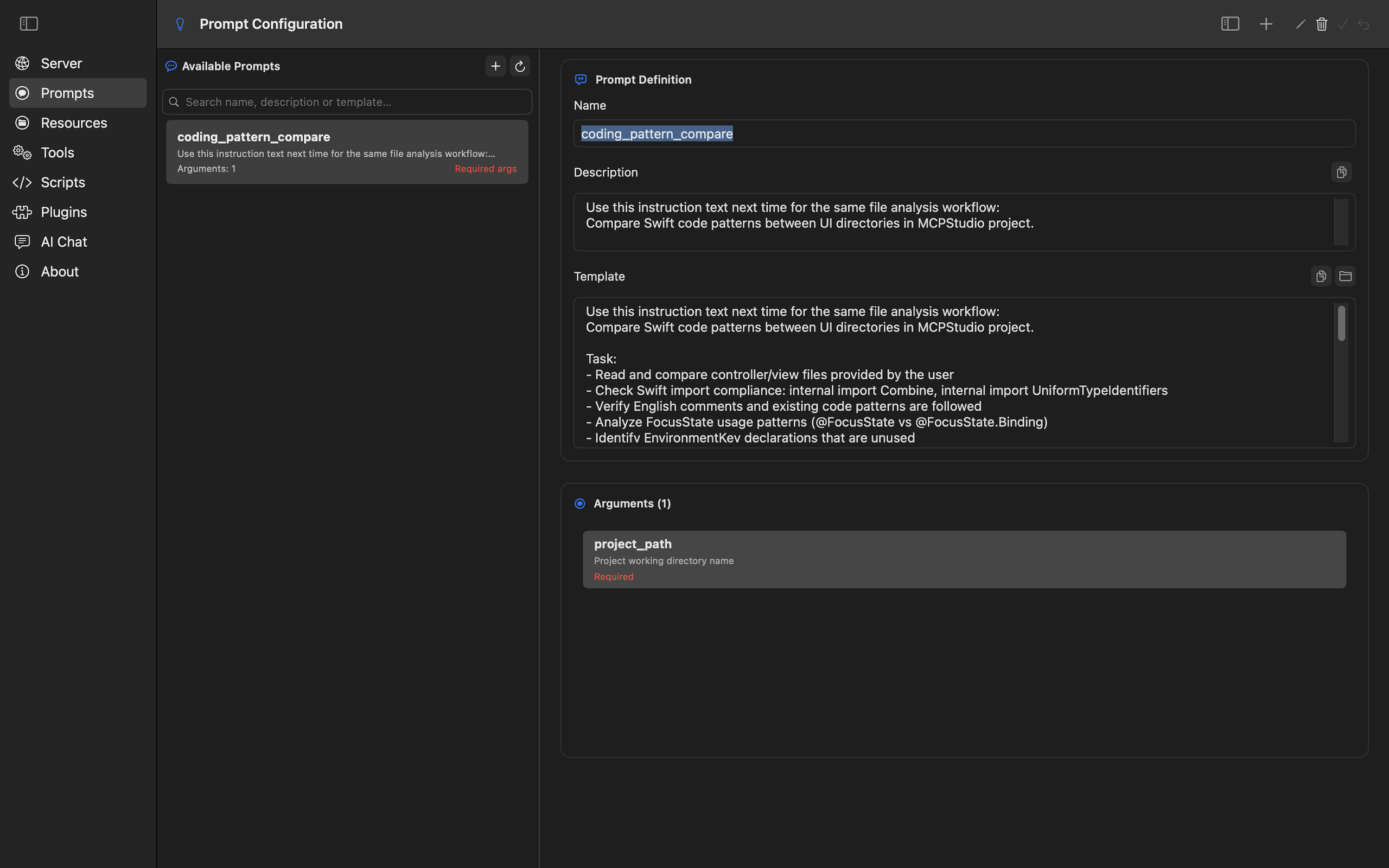
Customize prompts for AI interactions
Connect agent roles, validate workflow drafts, and run dependency-aware executions.
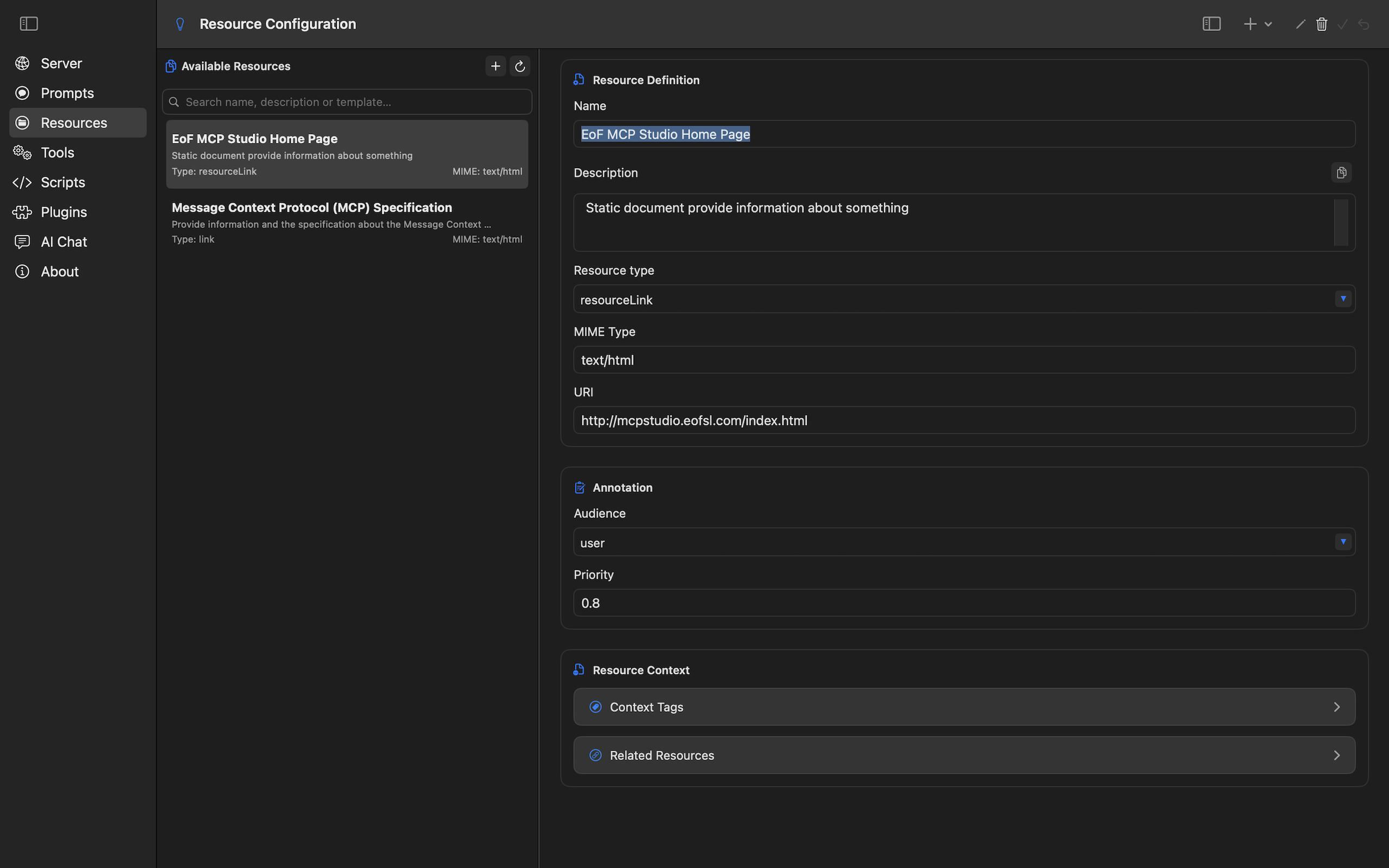
Manage static resources for the Message Context Protocol
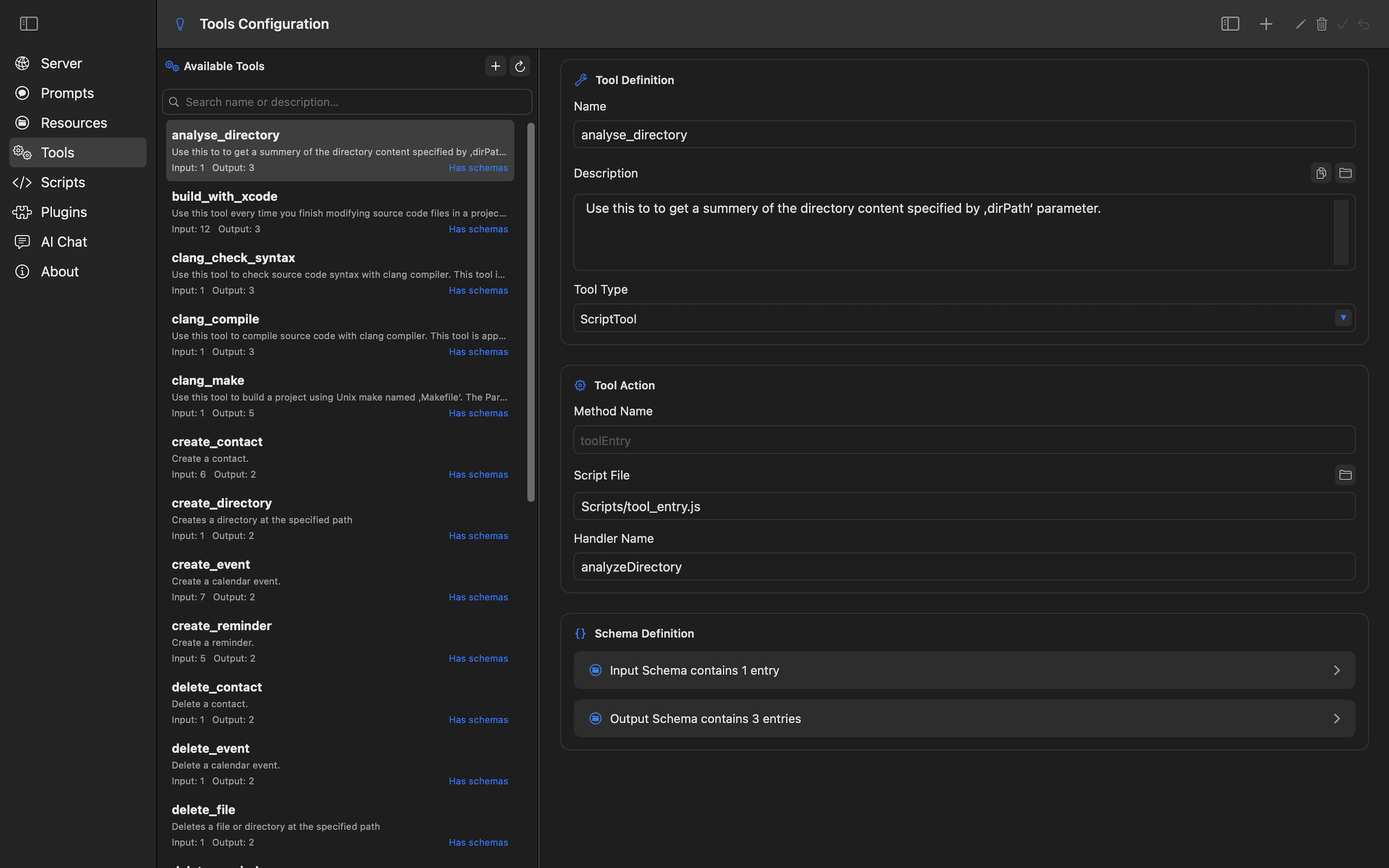
Create and configure custom tools with flexible schemas
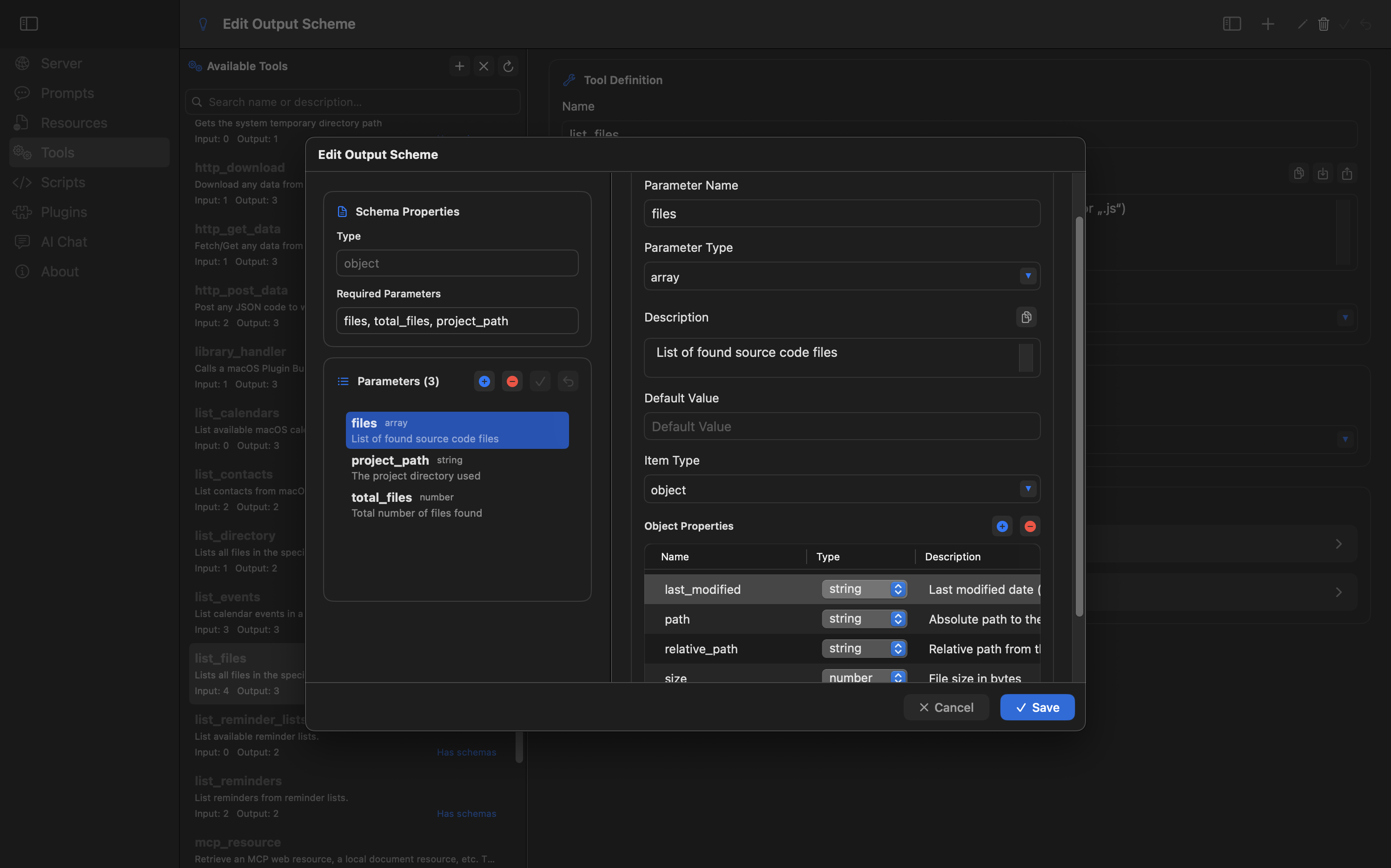
Define input/output schemas for custom tools
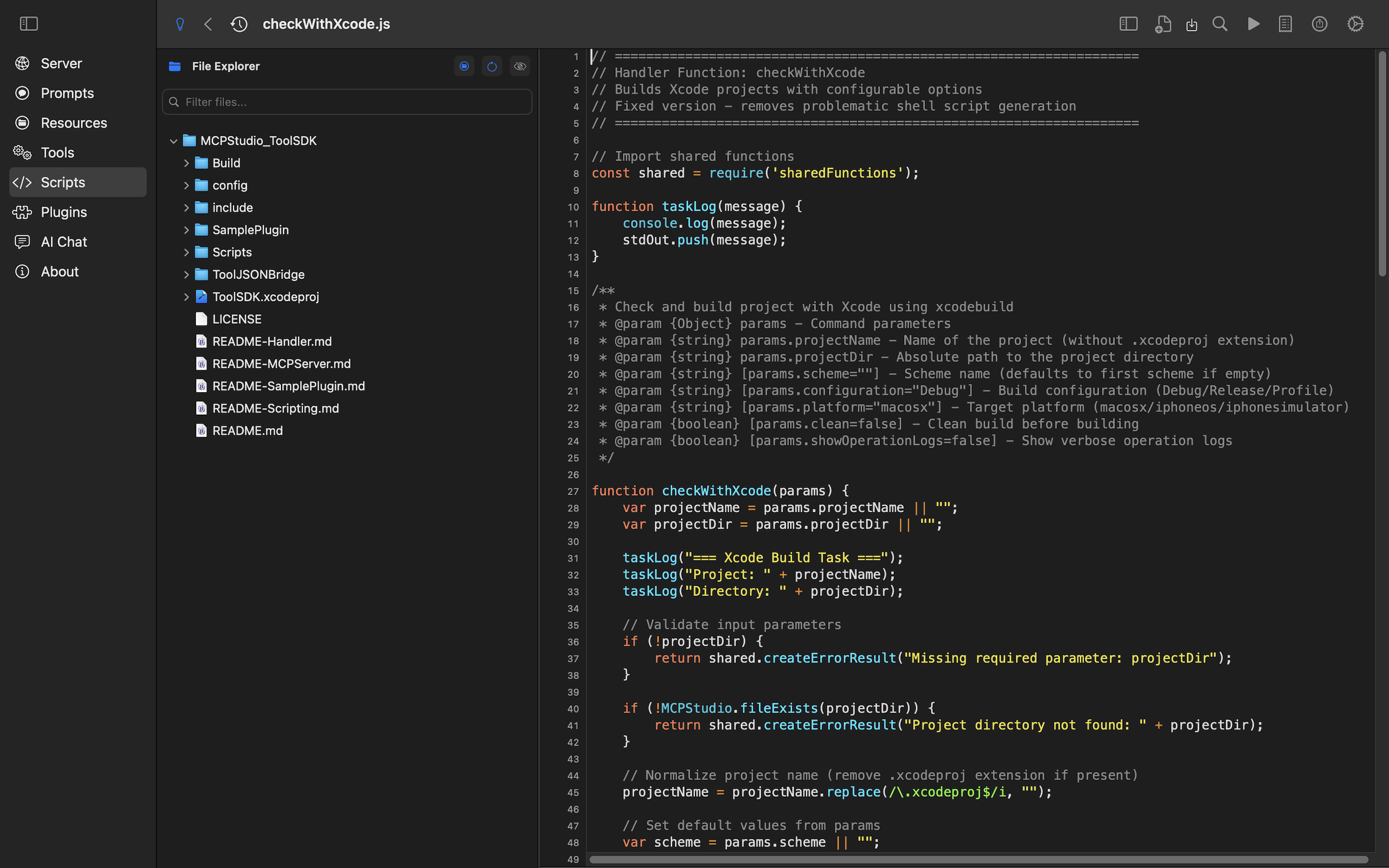
Advanced scripting environment with syntax highlighting
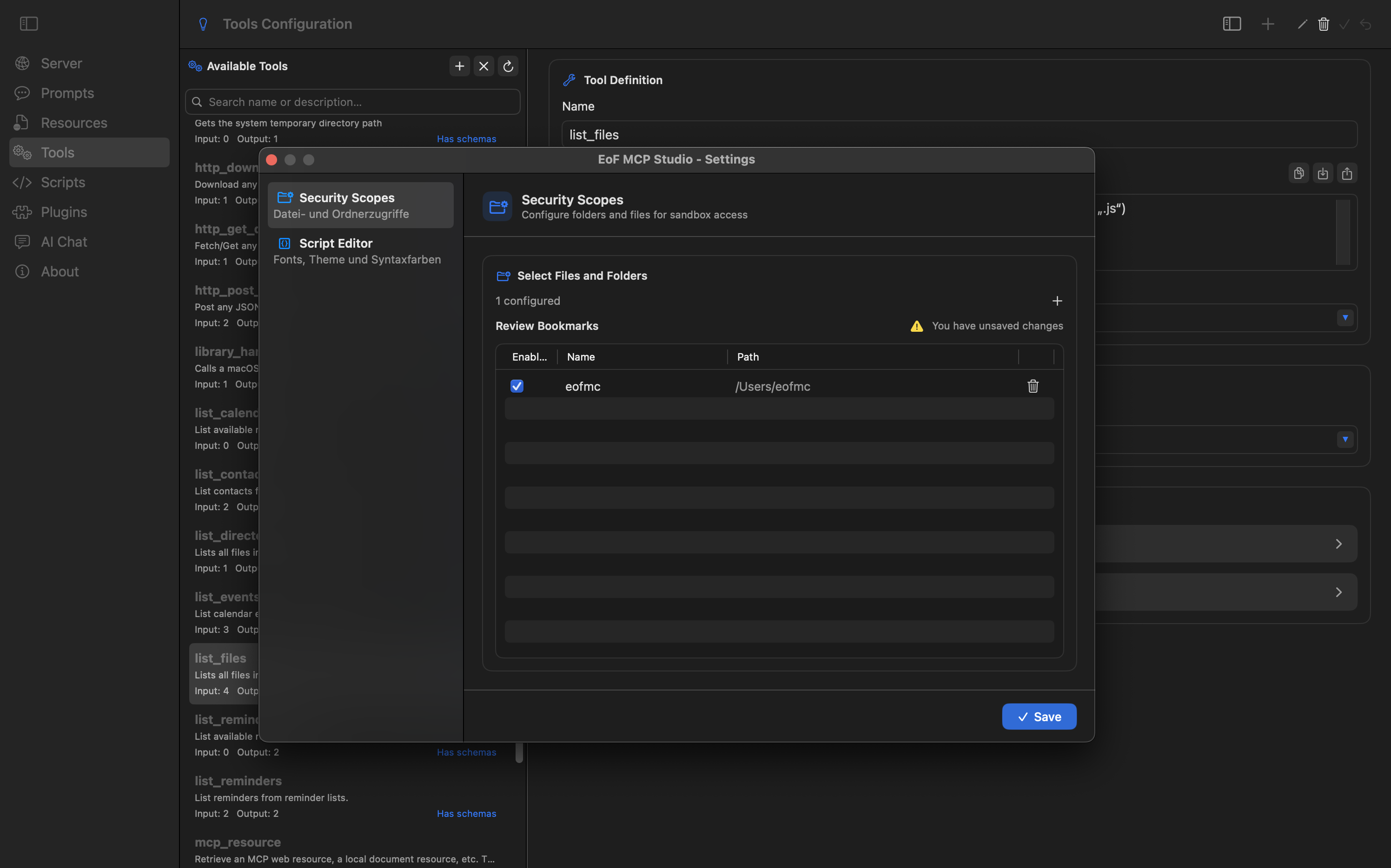
Control access and permissions for local files
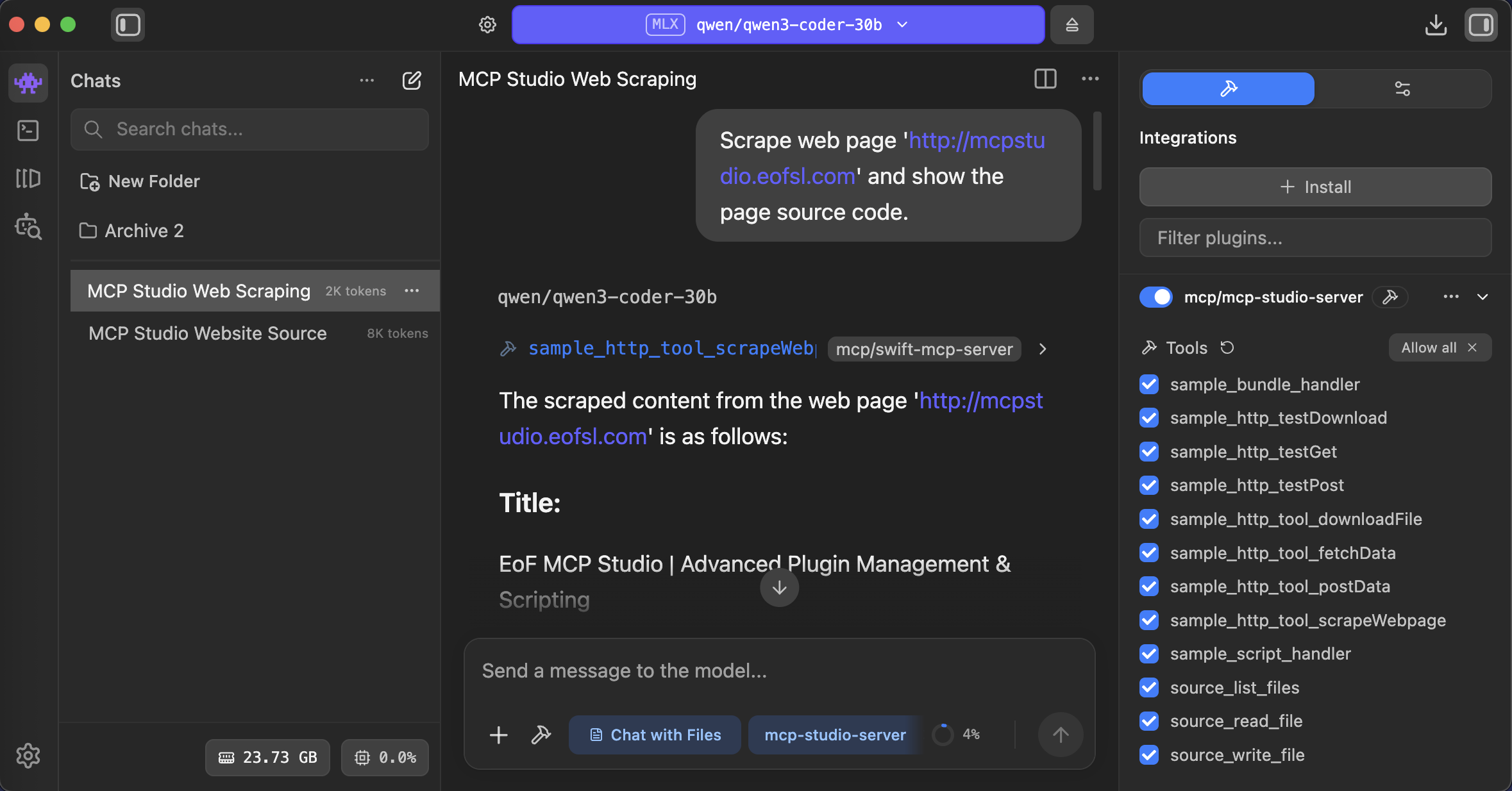
Access to local files and remote resources, data transfer, and calling webhooks.
Design agent workflows, run MCP tools, and keep local AI work organized in one macOS studio